Key Takeaways
- Immediate action within the first 60 seconds, including powering off and removing accessories, dramatically improves recovery odds.
- DIY methods like rice are ineffective and can cause additional damage. Silica gel works better as a passive option but does not remove corrosive residue.
- Recovery success depends on liquid type, exposure duration and speed of professional intervention. Freshwater cases treated the same day perform best.
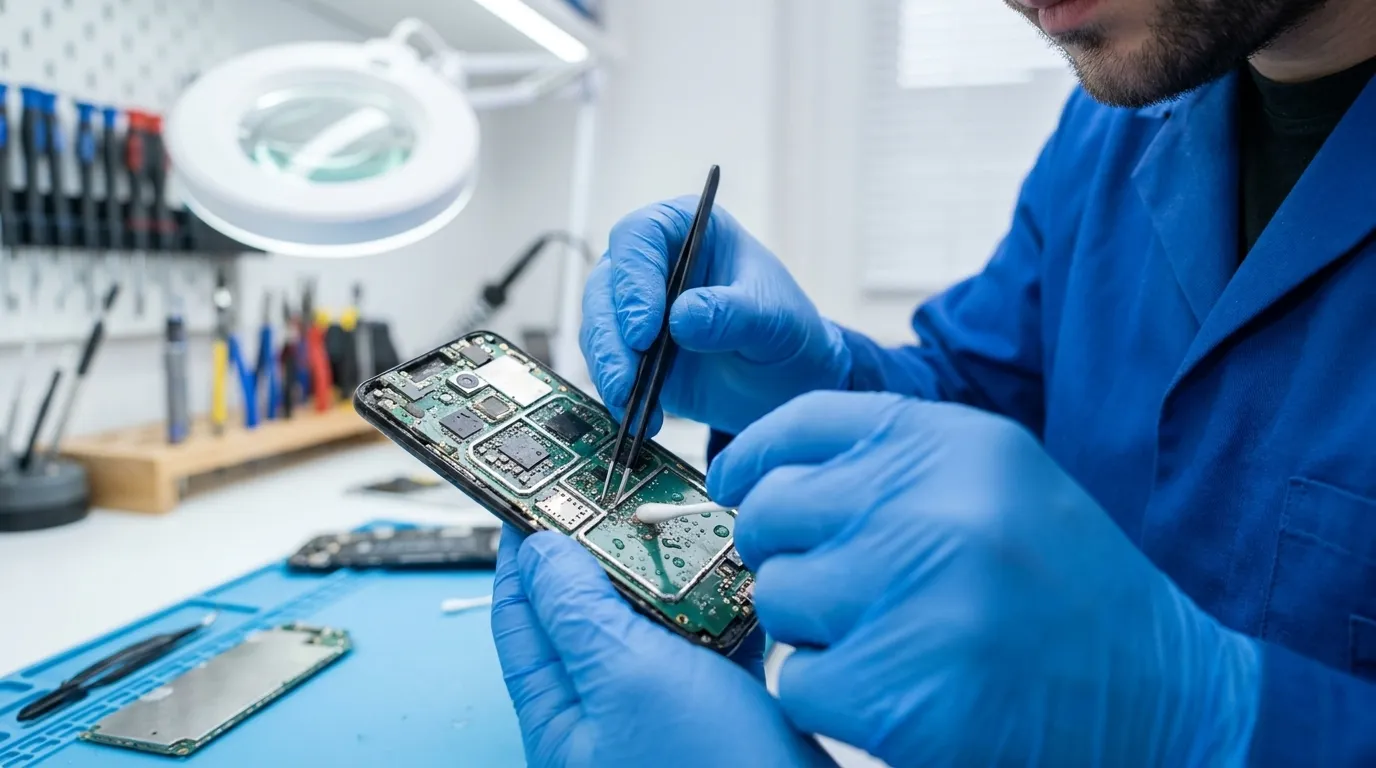
- Professional repair uses ultrasonic cleaning, micro-soldering and component replacement to address internal corrosion that causes delayed failures.
- Premier Logitech operates as an authorized service center for more than 20 OEM brands with Level 1–4 repair capabilities. Talk to a lifecycle expert to get started.
What to Do Immediately After Water Damage
Powering off a phone within 60 seconds of water exposure increases recovery success from 25% to 65%, according to field data from repair technicians. The following steps should be completed within the first 30 minutes. Each action reduces the risk of electrical damage and trapped moisture.
- Power it off immediately. Do not press any other buttons. Water plus active current is the primary cause of logic board failure.
- Remove the case, SIM card and any cables. Removing the SIM tray within two minutes creates an egress point for trapped moisture and prevents liquid pooling near the battery compartment.
- Gently pat the exterior dry with a soft, lint-free cloth. Avoid shaking the phone, which can drive liquid deeper into internal components.
- Do not charge the phone or plug in any accessories. Charging a wet phone pushes current through water-bridged circuits and is the most common cause of permanent logic-board damage, according to repair specialists.
- Gently tap the phone with the charging port facing down to help dislodge liquid from ports and speaker grilles.
- Place the phone in a dry area with good airflow. For passive drying, use silica gel packets in an airtight container. Apple’s official guidance explicitly advises against placing an iPhone in a bag of rice, noting that rice particles can damage the device.
Key Factors That Shape Water Damage Repair Success
Recovery depends on three variables: the type of liquid, the duration of exposure and the speed of action. Different liquids create different levels of internal damage, which shapes realistic expectations.
Fresh tap water causes the least internal damage and responds best to professional cleaning, with strong recovery rates when the phone is treated within a few hours. Chlorinated pool water is more corrosive than freshwater and attacks copper traces on the motherboard more aggressively. Saltwater can cause irreversible logic-board corrosion within hours, typically within 4 to 6 hours, though visible corrosion may begin within minutes, and if the device is powered on while wet, damage can become irreversible in under 10 minutes. Sugary drinks such as coffee, soda and juice leave acid and sugar residue that bonds to internal components and often causes more damage than freshwater.
Freshwater exposure with the phone powered off within 60 seconds and brought to a repair shop the same day carries an 80–90% full recovery rate. Saltwater cases brought in within a few hours carry a lower recovery rate, which drops further when the phone sits in rice for a day or more. Professional repair often saves phones that appear beyond DIY help, especially within the critical 24–48 hour window.
DIY Drying Methods: What Works and What Fails
The rice method is the most widely repeated piece of water damage advice online and also one of the least effective. In Gazelle’s 2014 test of seven drying agents, dry, uncooked conventional rice absorbed the least water in 24 hours, performing worse than silica gel, cat litter, couscous, instant oatmeal, classic oatmeal and instant rice, while leaving a wet phone in open air dried it more effectively than any drying agent, and sealing it in an empty container performed worst of all. In controlled laboratory testing by science student Claire Boakes, flaked rice absorbed 78% of moisture over 24 hours, while five grams of silica gel absorbed 100% under the same conditions. Rice also releases starch dust that coats electrical contacts and can wedge into USB-C and Lightning ports, which often requires professional tools to remove.
Silica gel avoids the starch problem and performs better as a passive drying agent, but it has a fundamental limitation. Silica gel cannot directly reach liquid water pooled inside a sealed device, and it does not remove the mineral residue that water leaves behind after evaporating. It only adsorbs moisture vapor from the air, so residue must be cleaned separately. Drying only removes moisture. When water evaporates, dissolved salt, chlorine, sugar and minerals remain on the board as conductive, corrosive residue. A phone that appears to work after a dunk may corrode quietly and fail weeks later, a pattern repair technicians call the “works-now-dies-later” failure. Internal corrosion is the central threat, and passive drying methods do not address it.
When Professional Repair Becomes Essential
DIY drying serves as a first-response measure and not a complete repair. Several situations call for professional intervention.
- The liquid was saltwater, chlorinated water or a sugary drink.
- The phone was fully submerged for more than a few seconds.
- The phone does not power on or shows signs of malfunction after 24–48 hours of drying.
- The phone is valuable, under a protection plan or contains irreplaceable data.
- Progressive warning signs appear in the days after exposure, such as charging issues, battery drops, speaker or microphone problems, screen anomalies or random restarts.
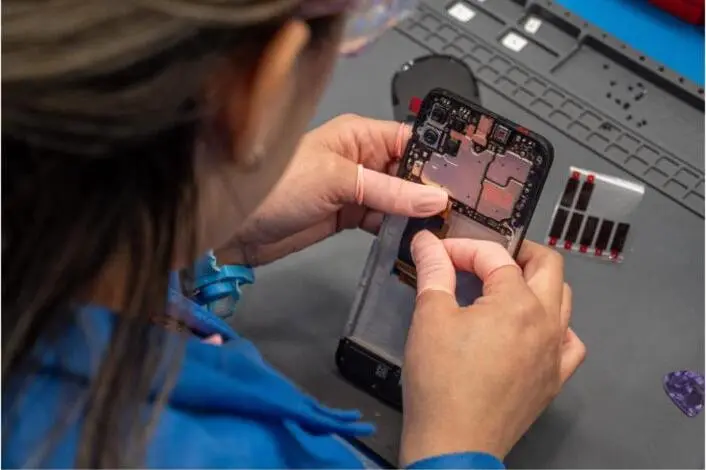
Premier Logitech performs Level 1–4 repairs across its authorized service center network, covering basic cleaning through complex board-level work. As an ASC for more than 20 OEM brands with a repair capacity of more than 40,000 repairs per week, Premier Logitech has the infrastructure to handle high-stakes water damage cases at scale.
Connect with a lifecycle expert to determine the right repair path for a water-damaged device.
What Professional Water Damage Repair Includes
Professional water damage repair follows a multi-stage technical process that extends far beyond drying. A professional water damage restoration workflow for buildings involves inspection and assessment, water extraction, structural drying, cleaning and sanitizing, and repairs or reconstruction, following the IICRC S500 standard.
Ultrasonic cleaning machines send high-frequency sound waves through a bath of a specialized cleaning fluid, such as a PCB-safe detergent, distilled water or in some cases isopropyl alcohol, creating microscopic bubbles via acoustic cavitation that implode and scrub corrosion from beneath surface-mounted chips. These bubbles safely remove mineral bridges without damaging fragile circuits. This process removes contamination that home remedies cannot reach.
After cleaning, technicians inspect the board under magnification for shorted capacitors, lifted pads or burnt ICs. When a short circuit is found on a logic board, a thermal camera pinpoints the exact component, often a capacitor or IC, generating excess heat, which is then removed and replaced using microscopes and micro-soldering techniques, typically with hot-air rework stations. Batteries exposed to liquid are replaced regardless of apparent function because of swelling risk.
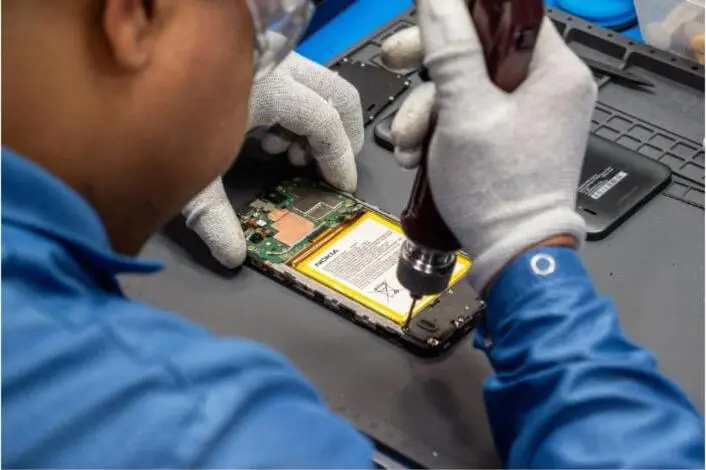
Premier Logitech’s repair capabilities span Level 1 through Level 4, from basic cleaning and diagnostics to board-level micro-soldering and component replacement. This range ensures that a water-damaged device receives the appropriate depth of intervention rather than a single, generic approach.
Typical Cost Considerations for Water Damage Repair
Repair costs vary by phone model, the type of liquid involved and the extent of internal damage. Costs also differ by service provider and region.
- DIY (Silica Gel Packets): Passive drying with silica gel costs little upfront but does not remove internal corrosion or residue, which leaves the device at risk of delayed failure.
- Professional diagnostic and cleaning: Third-party repair shops typically charge a range for basic water damage cleaning and inspection, with diagnostic fees often separate or waived if the repair proceeds.
- Professional logic board repair: Logic board component repair involving micro-soldering carries a broad price range that depends on device model, repair complexity and service provider.
- Professional data recovery: Specialized data recovery from water-damaged devices also spans a wide range, based on device type and severity of damage.
Professional repair is generally more cost-effective than replacement when repair costs fall below a significant share of the device’s current market value and the device still has meaningful remaining useful life. For high-end flagship phones, professional repair often represents the economically sound choice. Premier Logitech works with OEMs and enterprises on repair programs that maximize asset value and reduce replacement costs.
How to Choose a Water Damage Phone Repair Provider
Water damage repair requires specific skills, tools and processes. A qualified provider must meet several standards that separate genuine repair capability from a simple drying service.
- OEM authorization: An authorized service center has met the technical and quality standards set by the original manufacturer. Premier Logitech holds ASC status for more than 20 OEM brands.
- Board-level repair capability: Water damage often requires micro-soldering and component replacement, not just cleaning. Providers without this capability cannot address the full scope of damage.
- Diagnostic-first process: A reputable provider assesses the device before committing to a repair path. Many honest repair shops offer free diagnostics and do not charge if the device cannot be saved, though some shops charge diagnostic fees and guarantees like Rossmann Group’s no-fix-no-fee policy exclude devices that arrive already wiped.
- Warranty on repairs: A repair warranty signals confidence in the work performed.
- High repair volume: Experience with water damage cases at scale improves diagnostic accuracy and repair outcomes.
Premier Logitech’s combination of OEM authorization, Level 1–4 repair depth and national operational scale makes it a reliable choice for water damage cases that require more than surface-level intervention.
Frequently Asked Questions
How long does it take for a phone to dry out?
A phone may appear dry within 24–72 hours, but internal moisture and corrosive mineral residue can persist long after the exterior looks clean. The surface drying timeline does not reflect what happens on the logic board. Silica gel in an airtight container for 48–72 hours is the best passive option, but passive drying does not remove the conductive residue that causes delayed failures. Professional cleaning is faster and addresses the root cause rather than the symptom.
Can a phone survive water damage?
Many phones survive water damage with the right response. Phones exposed to freshwater and powered off quickly have strong recovery rates when brought to a professional within the same day, as noted earlier. Saltwater and sugary drink exposure carry lower odds but remain recoverable with prompt professional intervention. The type of liquid, the duration of exposure and how quickly the phone reaches a technician are the three factors that matter most. Professional repair significantly improves the odds compared with DIY drying alone.
Is rice effective for drying a phone?
Rice does not provide effective drying for phones. Apple’s official support documentation advises against placing an iPhone in a bag of rice, noting that rice particles can damage the device. Independent testing has confirmed that rice performs worse than open-air drying and far worse than silica gel. Beyond its weak performance as a desiccant, rice introduces starch dust into charging ports and speaker grilles, which can require professional cleaning to remove. Silica gel is the better passive option, though neither method stops internal corrosion.
What should someone do if an iPhone falls in water?
Power the device off immediately without pressing other buttons. Remove the case, SIM tray and any cables. Pat the exterior dry with a lint-free cloth and tap the phone gently with the charging port facing down. Place it in a dry area with good airflow, or in an airtight container with silica gel packets. Do not charge it. If the phone was submerged for more than a few seconds, or if the liquid was saltwater, pool water or a sugary drink, seek professional repair within 24–48 hours. Apple’s liquid-detection alert on iPhone XS and later blocks wired charging when moisture is detected in the port, though wireless charging remains available and an emergency override can be used to charge anyway. This alert signals that the device should dry before any charging attempt.
Does water damage void a phone’s warranty?
Standard manufacturer warranties typically exclude liquid damage. Apple uses a Liquid Contact Indicator that turns red on contact with water, and a triggered indicator voids warranty coverage for related damage. Samsung’s Galaxy phones contain a similar liquid damage indicator. According to Apple’s AppleCare+ terms and conditions, the plan covers accidental damage from handling, including liquid damage, for a service fee per incident, with a defined number of incidents per coverage period, and AppleCare+ with Theft and Loss provides different incident limits, with plan terms varying by region. For devices without a protection plan, an authorized service center provides a reliable out-of-warranty repair path without requiring a full device replacement at manufacturer pricing.
Can water damage be repaired without professional help?
For minor freshwater splashes on a phone that was powered off immediately, passive drying with silica gel may be sufficient. This approach still carries meaningful risk of delayed failure because it does not remove the mineral and corrosive residue left behind after water evaporates. For any submersion, saltwater or sugary liquid exposure, or any phone showing symptoms after drying, professional repair provides a more reliable path. The window for effective professional intervention is approximately 72 hours from the moment of exposure.
Trust the Experts for Water Damage Phone Repair
Water damage is a time-sensitive emergency. The first 60 seconds influence whether a device is recoverable, and the first 24–48 hours shape whether professional repair can stop corrosion that DIY methods cannot reach. Immediate action, including powering off, removing accessories and beginning passive drying, buys time. Drying alone does not complete the repair, and internal corrosion continues until a technician opens the device and cleans the board.
Premier Logitech brings the technical depth of an authorized service center network, Level 1–4 repair capabilities and the operational scale to handle water damage cases that require more than a surface fix. From diagnostic cleaning to board-level micro-soldering, the repair process is matched to the actual severity of the damage.
Protect the device investment and data. Get a water-damaged phone back in working order with support from a lifecycle expert.
